Snapr
SnaprSupporter Membership & Device Management
Snapr is free to use with the complete capture and editing experience included. If Snapr is useful to you, a one-time supporter purchase helps keep development going, removes occasional supporter reminders, and gives you a digital membership card. There are no subscriptions.
Free
- All Snapr features
- No watermarks, recording length limits, or quality restrictions (up to 4K 60fps)
- Occasional supporter reminders
Supporter membership
- No supporter reminders
- Digital membership card
- One-time purchase, no subscription
Becoming a supporter#
- Choose Become a supporter on the pricing page.
- After purchase, a license key will be sent to your email. Check your email for the key.
- In the app, go to
Settings > Licenseand enter your key.
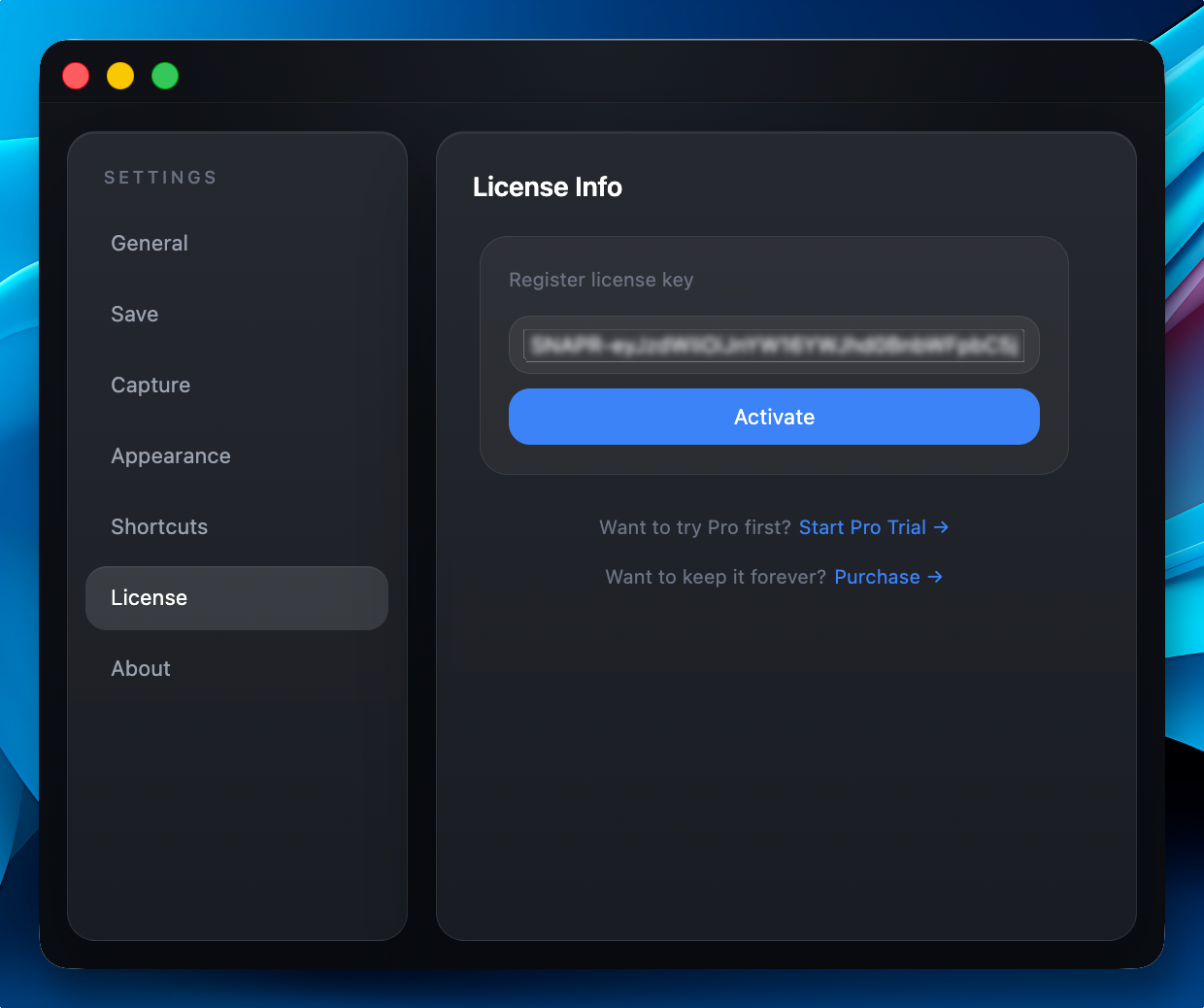
Activate your membership and receive a digital membership card in the app.
View My Licenses#
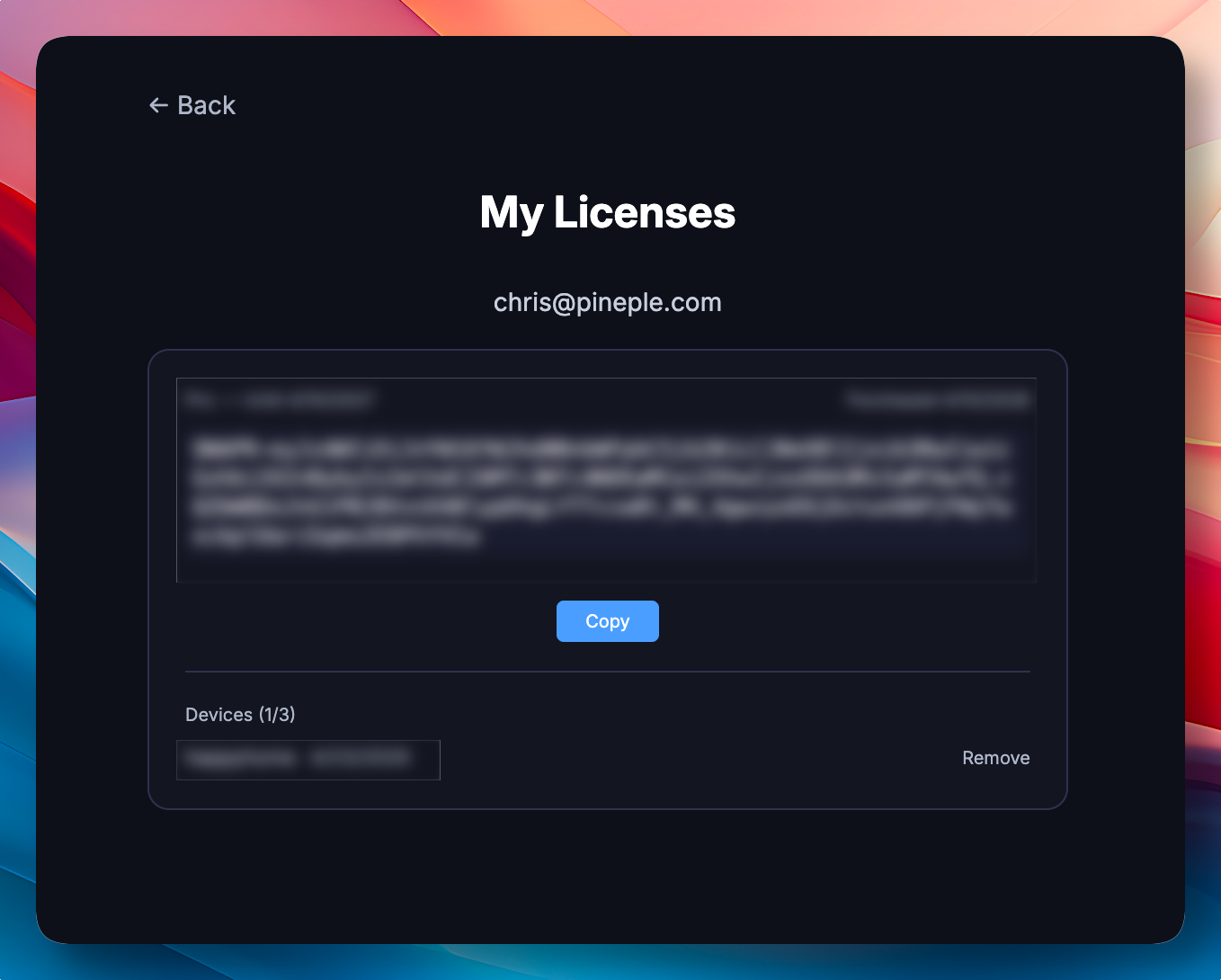
Managing your license is simple and takes only a few seconds. You can check activation status, see which devices are linked, and deactivate a device if you switch machines — all from a single dashboard.
- Go to the My Licenses page on the website.
- Enter the email you used to purchase the license, and a verification email will be sent.
- Click the link in the received email to view your license information.