Snapr
SnaprRecord Screen with Audio
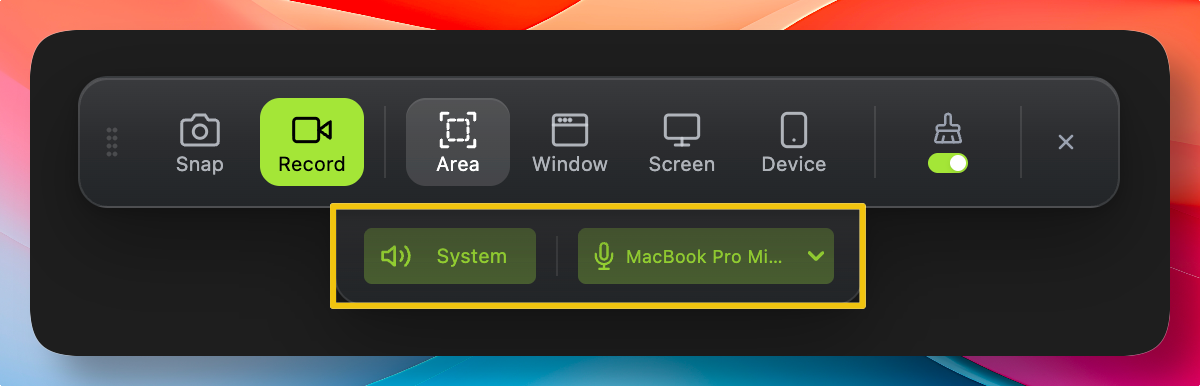
Snapr lets you record your screen with both system audio and microphone input at the same time. This makes it the ideal screen capture tool for creating tutorials, product demos, and presentation walk-throughs — all without needing a separate audio recorder.
When recording, you can toggle system audio and microphone audio independently. System audio records all sounds playing from the computer, while microphone audio records external sounds. Having independent toggles means you can narrate over a silent demo or capture application sounds without background noise — giving you complete control over your recordings.
Note: In window selection mode, only the app's audio is recorded instead of system audio. (macOS limitation)